What does Zoho Flow do?
Flow is the automation tool within Zoho One. You build a chain into it: a trigger, one or more conditions, and the actions that follow.
A typical flow: as soon as a deal receives the status Won, create a project in Zoho Projects, send a confirmation email to the client, and prepare a task for the project manager.
That chain does exactly the same thing every time. That is the strength: you know what is happening, it is fast, and it works even when a hundred deals pass through it a day.
The limitation lies in the conditions. Flow can check whether a field has a certain value. It cannot assess whether an email sounds urgent or why a customer disengages.
What does MCP do?
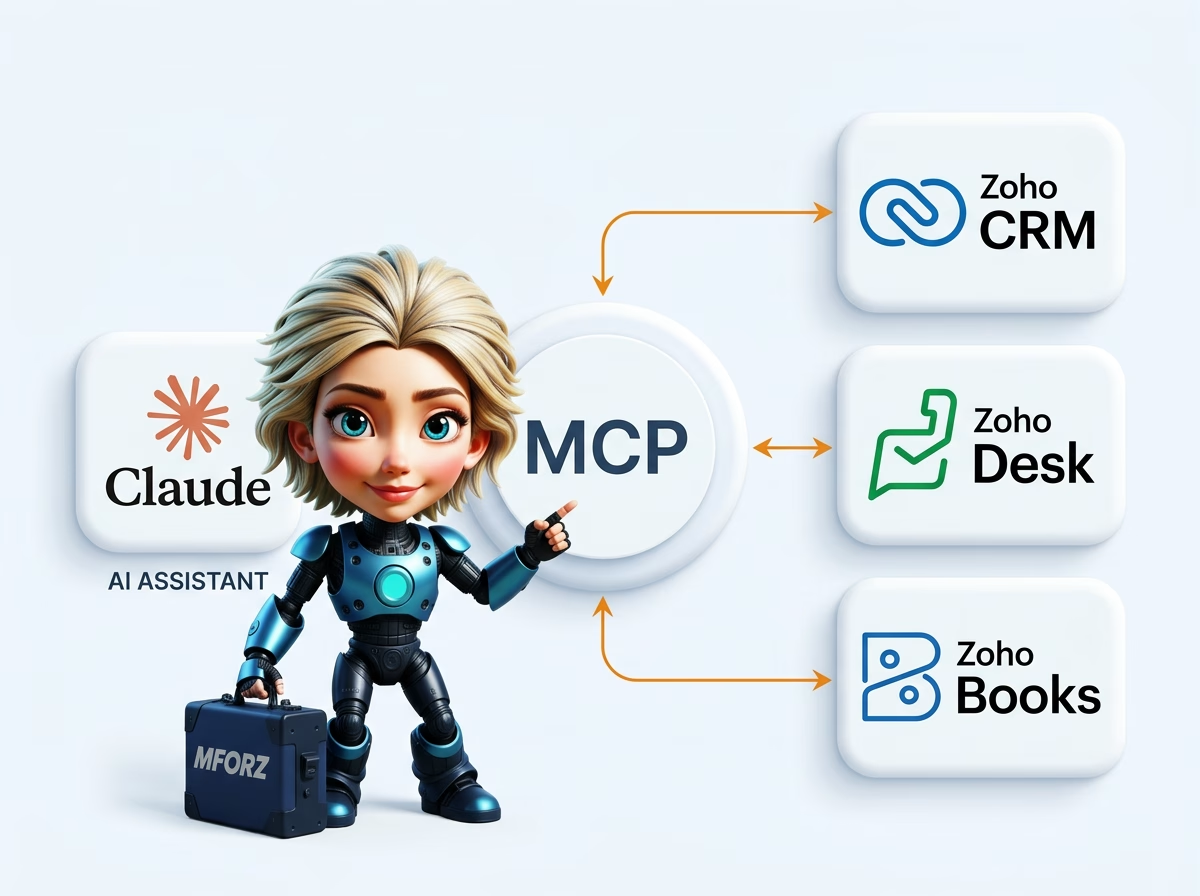
MCP does not add automation. It gives Claude access to your Zoho data, so you can ask for something in plain language and Claude figures out what is needed for it himself.
There is no trigger. There is a question, and a model that decides how to answer it.
| Ask | Short answer | Floor |
|---|---|---|
| What does Zoho Flow do? | Flow is the automation tool within Zoho One. | Read more |
| What does MCP do? | MCP adds no automation. | Read more |
| What does the same process look like in Zoho Flow and Zoho MCP? | Handle incoming quotation requests via the contact form. | Read more |
| When do you use which one? | Flow works on a trigger, MCP on a question. | Read more |
| Can you combine them? | That is usually the best setup, and cheaper than running everything through the model. | Read more |
What does the same process look like in Zoho Flow and Zoho MCP?
Handle incoming quotation requests via the contact form.
In Flow, you build this: form filled out, create a lead, assign based on postal code, send a standard confirmation of receipt, create a task with a deadline in two working days. That runs, always, within a second.
What Flow cannot do: assess whether this request concerns a small job or a sixty-hour project, whether the requester is an existing customer with an outstanding issue, and whether the standard confirmation strikes the right tone in this case.
With MCP, it works differently: Claude reads the request, checks CRM to see if the company is already known, looks at previous deals and open tickets, estimates the type of request, and writes a response that aligns with it. He then prepares the lead with a pipeline proposal and priority.
What MCP is not good at: doing this a thousand times a day at negligible cost, and giving exactly the same result every time.
When do you use which one?
Flow works on a trigger, MCP on a question. Flow provides the same outcome every time, whereas with MCP, it depends on the context. Flow is suitable for high volume with fixed rules, MCP for judgment, research, and text. You adjust Flow in the editor, MCP by changing the instruction. Flow costs virtually nothing per use, while MCP costs per use of the model.
The rule of thumb I follow: if you can map the process in a decision tree without it stating "it depends on it" anywhere, then it is a flow. If it does say so, then it requires a model.
Can you combine them?
That is usually the best setup, and cheaper than running everything through the model.
Let Flow do what Flow does well: triggering, routing, creating records, sending notifications. Let Claude handle the part involving a judgment via MCP, and return that judgment to Flow as a field value.
In concrete terms: Flow captures the request and creates the lead. A step in that flow asks Claude to classify the request. Claude returns a type and a priority. Flow uses those two values to select the correct pipeline and owner. The rest of the chain is standard automation.
This way, you only pay for the model when there is really something to evaluate.
Where do you start?
Look at your existing flows and find the point where someone still needs to manually assess before the flow can proceed. That is where the candidate is.
Sources and product information
- Zoho MCP, official product information
- Anthropic, Model Context Protocol, official product information